SYStars
2 player game · Board & Card
 Snake and Ladders Multiplayer
 Guess Who Multiplayer
 Lof Snakes and Ladders
 Ludo Wars
 Online Tic Tac Toe
 Can Has Connect 4
 Easter Tic Tac Toe
 Tic Tac Toe Original Pro
 Tic Tac Toe Pro - Multiplayer & Challenge
 Master Checkers
 Domino Multiplayer
 Tic Tac Toe Multiplayer
 Backgammon Multiplayer
 Reversi Multiplayer
 Goose Game Multiplayer
 Rummy Multiplayer
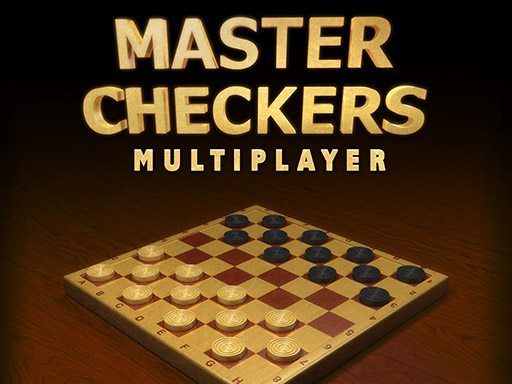 Master Checkers Multiplayer
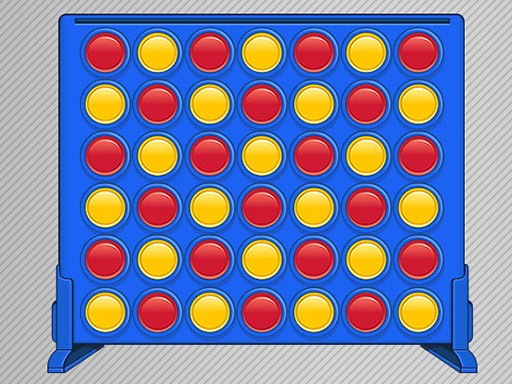 Connect 4 Multiplayer
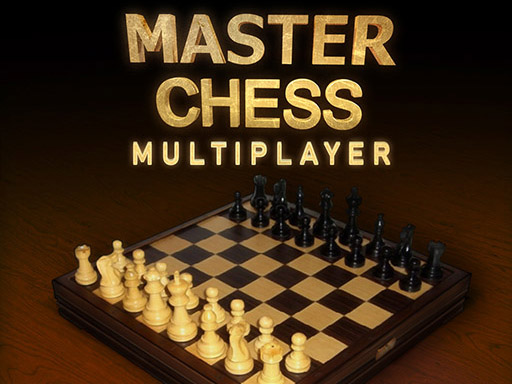 Master Chess Multiplayer
 Battleship War Multiplayer
 4 in Row Mania
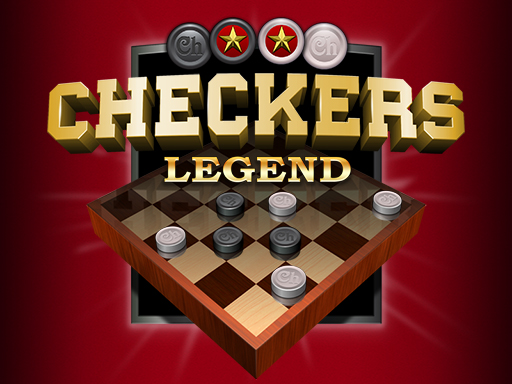 Checkers Legend
 Ludo Legend
 Backgammonia - online backgammon game
 Tic Tac Toe Blackboard
 Ludo Multiplayer
 Tic Tac Toe Stone Age
 Tic Tac Toe Vegas
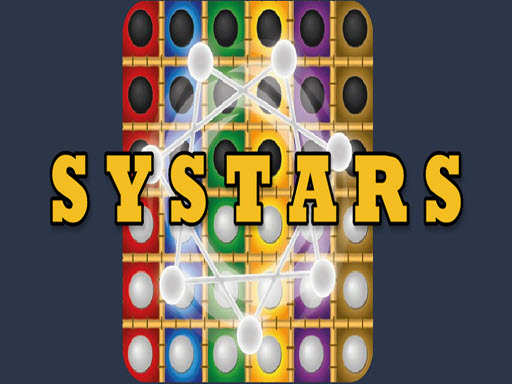
A rotating star changes the board in Systars. You select a free star vertex, and white and black chips interact with matching-colour vertices before chips on the board flip. The description presents this as a logic puzzle, with planning around those changes rather than simply placing one permanent piece.
Systars asks you to click a star vertex that is free of chips to make a move. No keyboard controls are supplied; use the on-screen explanation to confirm how the resulting chips flip before you commit to a longer plan.
Friends can play, and the source mentions dotted or numbered chips, scoring contests and surviving a given number of moves. It does not explain all of those variants in full. The instruction text itself cuts off during the colour-flipping explanation, so the exact result of every move should be learned from the game guide.
Look at the affected vertices as a group rather than following only the chip you want to change. Trying one move and checking its result can help you understand the flipping pattern, especially before selecting a variant with a fixed move allowance. A different board-based logic challenge for friends is Riddle Cubes.
How to play
How to play
- Rotate a star, flip board chips and choose among scoring or move-based goals.
- Systars asks you to click a star vertex that is free of chips to make a move.
- No keyboard controls are supplied; use the on-screen explanation to confirm how the resulting chips flip before you commit to a longer plan.
Tips
- Look at the affected vertices as a group rather than following only the chip you want to change.
- Trying one move and checking its result can help you understand the flipping pattern, especially before selecting a variant with a fixed move allowance.
Frequently asked questions
- What is the aim of SYStars?
- Rotate a star, flip board chips and choose among scoring or move-based goals.
- How do you control SYStars?
- Systars asks you to click a star vertex that is free of chips to make a move. No keyboard controls are supplied; use the on-screen explanation to confirm how the resulting chips flip before you commit to a longer plan.
- How do I start a move in Systars?
- Click a star vertex that is free of chips. The full flipping sequence needs checking in-game because the supplied instructions are incomplete.
More Board & Card games
See all → Tick Cross 2 Players
 Monkey And Banana
 Tic Tac Toe Mania
 Carrom 2 Player
 Snake and Ladders Party
 Ludo King
 Tic Tac Toe: Paper Note
 Mahjong Battles Egypt
 Pong ball.io
 Challenge the Runners
 Basket Random
 Car Battle
 Would you Rather?
 Drunken Duel
 Mega Tank Wars Arena
 Basketball Legends
 Eat Blobs Simulator
 Neon Slimes
 2 Player Games 1v1 Battle
 Escape School Duel
 Math Duel - 2 Players
 Stickman Fighting 2 Player
 Viking Tomahawk
 granny chapter2
 Electro.io
 2 Player Mini Challenge
 Flow Free: Warps
 Basketball AllStars
 DONT SPLASH
 Collect Brainrot Arena
 Hockey Stars
 Obby Highest Jump Ever
 Crumple Rumble
 Sniper for Brainrot
 Pongo Master
 Bob Save Stuart
 Little Yellowman Jumping
 Lucky Box - 2 Player
 Pumpking vs Mummy
 2 Player Santa Battle
 Red VS Blue
 Summer Shell
 Othello-Reversi
 Simple Plus Classic Pong
 Rainbow Bead
 Super Soccer
 Ugolki - Halma
 Try To Count The Boxes Brain Training
 Carrom Clash - Neon Edition