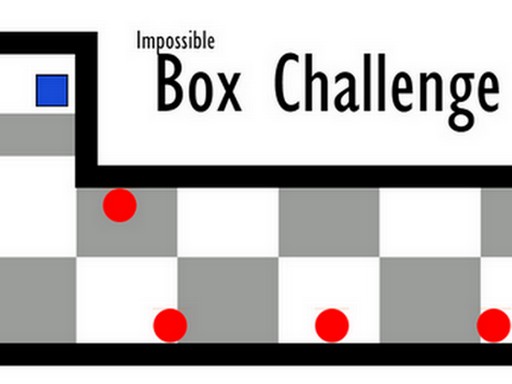
Impossible Box Challenge
2 player game · Puzzle & Board
 Would you Rather?
 Ludo Wars
 Math Duel - 2 Players
 Flow Free: Warps
 Try To Count The Boxes Brain Training
 Backgammon Multiplayer
 Reversi Multiplayer
 Master Chess Multiplayer
 4 in Row Mania
 Tic Tac Toe Vegas
 Tick Cross 2 Players
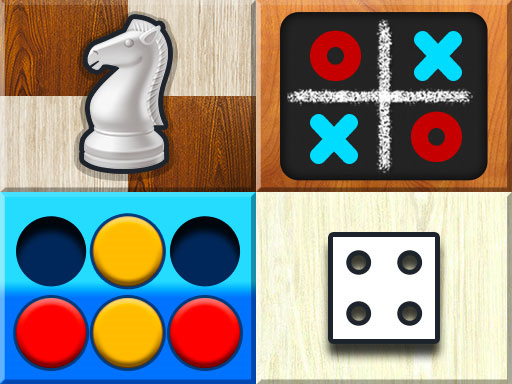 Mind Games for 2 Player
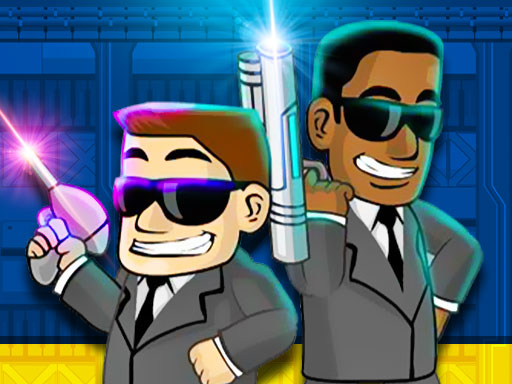 Alien Catcher
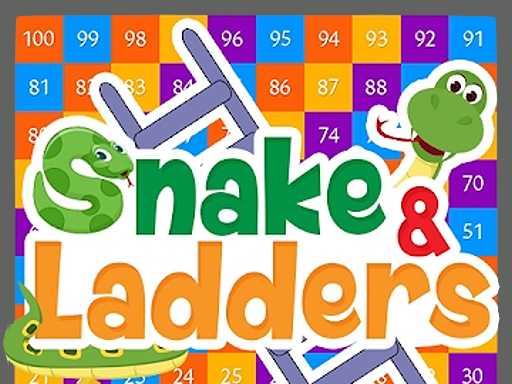 Snake and Ladders Party
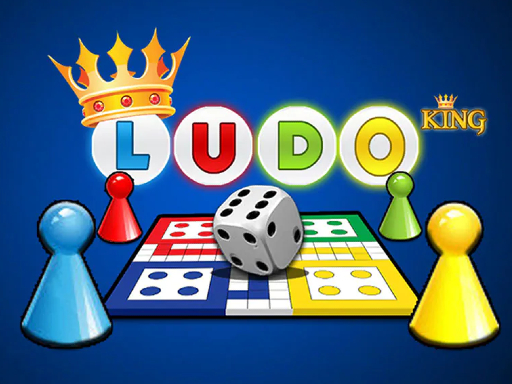 Ludo King
 Hangman 2-4 Players
 Tic Tac Toe: Paper Note
 Fireboy And Watergirl 3 In The Ice Temple
 Mahjong Battles Egypt
 Candy 2021 :game 2021 gratuit
 Tic Tac Toe At School
 Rocket Craze
 8 Ball Pooling - Billiards Pro
 SYStars
 Bottle Flip 3D
 Space Prison Escape
 Space Prison Escape 2
 Maya Adventure
Impossible Box Challenge
Finishing a level is an achievement on its own in Impossible Box Challenge. The description presents a puzzle-and-skill game where you try to complete stages quickly and with as few deaths as possible. It also acknowledges that simply reaching the end may be a reasonable goal when the challenge feels especially demanding.
Settings offer customisation, and the controls can be changed there. The source does not give the total number of levels or describe every obstacle, so the word impossible should be read as the game's tone rather than proof that a particular stage has no solution. Two movement groups are explicitly supplied.
Impossible Box Challenge assigns the arrow keys to Player 1 and WASD to Player 2 by default. Press 8 for fullscreen, and use Settings if you want to change the controls; no additional action key is named in the supplied instructions.
Choose whether your current attempt is about completion or speed before judging it. Learning one difficult section can be useful progress even after a failed run, and checking the configurable bindings gives both players a chance to use a layout they can follow comfortably. A different movement-and-reaction challenge to compare is Geometry Vibes 3D.
How to play
How to play
- Finish difficult box levels with configurable controls and customisation settings.
- Impossible Box Challenge assigns the arrow keys to Player 1 and WASD to Player 2 by default.
- Press 8 for fullscreen, and use Settings if you want to change the controls; no additional action key is named in the supplied instructions.
Tips
- Choose whether your current attempt is about completion or speed before judging it.
- Learning one difficult section can be useful progress even after a failed run, and checking the configurable bindings gives both players a chance to use a layout they can follow comfortably.
Frequently asked questions
- What is the aim of Impossible Box Challenge?
- Finish difficult box levels with configurable controls and customisation settings.
- How do you control Impossible Box Challenge?
- Impossible Box Challenge assigns the arrow keys to Player 1 and WASD to Player 2 by default. Press 8 for fullscreen, and use Settings if you want to change the controls; no additional action key is named in the supplied instructions.
- Can I change the Impossible Box Challenge controls?
- Yes. The instructions say the controls can be changed in Settings. The default groups are arrows for Player 1 and WASD for Player 2.
More Puzzle & Board games
See all → Aztec Adventure
 Inca Adventure
 Ghost Wiper
 Heroes Legend
 Lost Pyramid
 Dino Meat Hunt Remastered
 Miners Adventure
 Fire Dragon Adventure
 Snake and Ladders Multiplayer
 Pong ball.io
 Challenge the Runners
 Basket Random
 Car Battle
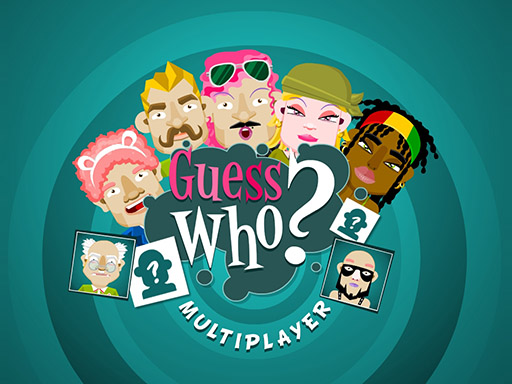 Guess Who Multiplayer
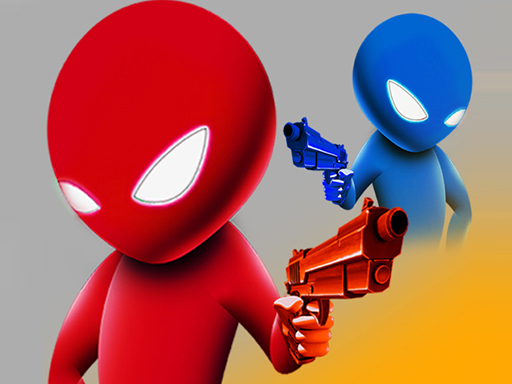 Drunken Duel
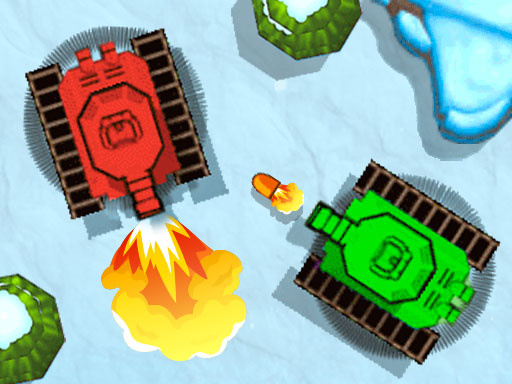 Mega Tank Wars Arena
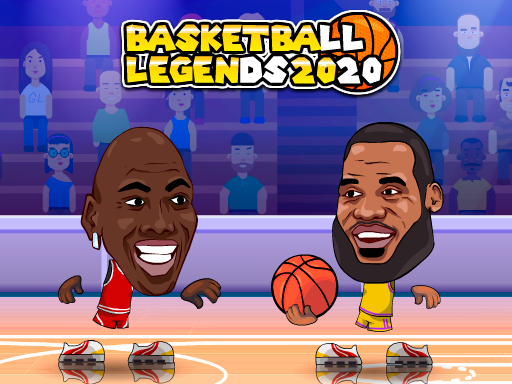 Basketball Legends
 Eat Blobs Simulator
 Lof Snakes and Ladders
 Neon Slimes
 2 Player Games 1v1 Battle
 Escape School Duel
 Stickman Fighting 2 Player
 Viking Tomahawk
 granny chapter2
 Online Tic Tac Toe
 Electro.io
 2 Player Mini Challenge
 Basketball AllStars
 DONT SPLASH
 Collect Brainrot Arena
 Hockey Stars
 Obby Highest Jump Ever
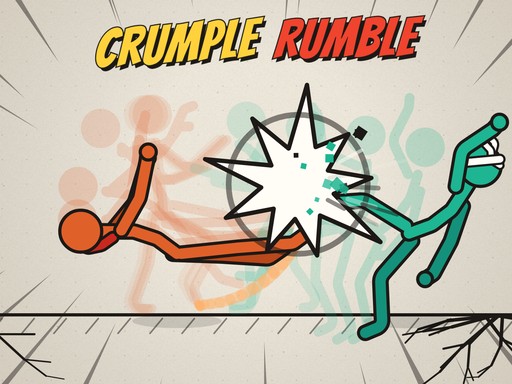 Crumple Rumble
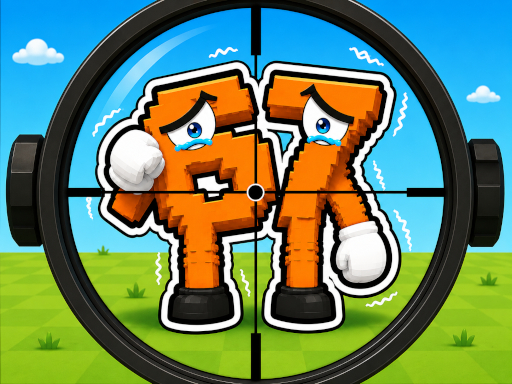 Sniper for Brainrot
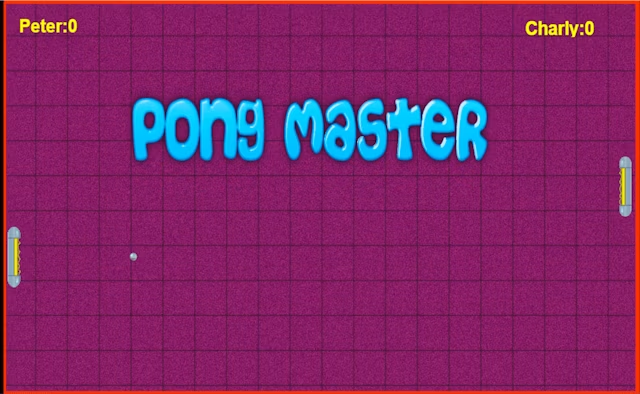 Pongo Master
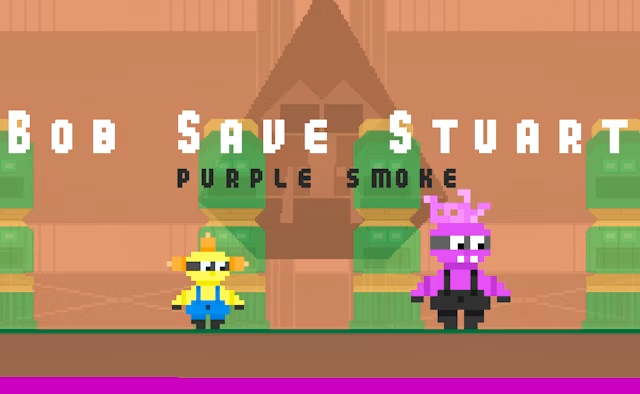 Bob Save Stuart
 Little Yellowman Jumping
 Lucky Box - 2 Player
 Pumpking vs Mummy
 2 Player Santa Battle
 Can Has Connect 4
 Red VS Blue
 Summer Shell
 Othello-Reversi
 Easter Tic Tac Toe
 Simple Plus Classic Pong
 Rainbow Bead
 Super Soccer
 Ugolki - Halma
 Carrom Clash - Neon Edition