Games to Play on Chromebook: Free Browser Games, No Download
Updated 2026-11-28
Every game on this page is a free browser game, so it opens in a Chrome tab on a Chromebook with nothing to install. Most of them only need clicks, so the touchpad is enough, and several are built for two people sharing one Chromebook. The list is split by how you control them: touchpad games first, then keyboard games for two.
Quick reference
| Game | Type | Players | Controls |
|---|---|---|---|
| Master Chess Multiplayer | Chess | 1 or 2 | Click |
| Connect 4 two player | Four in a row | 2 | Click |
| Dots and Boxes 2 Player | Pen-and-paper classic | 1 or 2 | Click or tap |
| Minesweeper Duel | Minesweeper for two | 1 or 2 | Click |
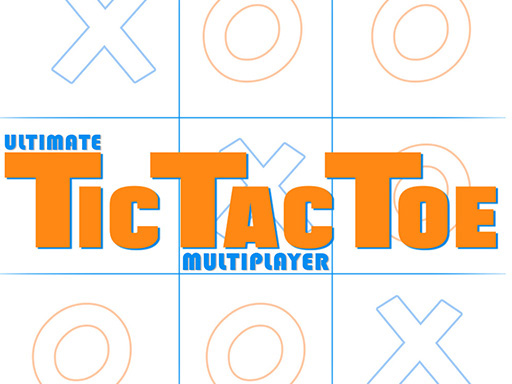
| Tic Tac Toe 2 Player | Tic tac toe, 3x3 to 7x7 | 1 or 2 | Click |
| Chess Free - Échecs | Chess | See the game | Click |
| Soccer Random | One-key football | 1 or 2 | W against the Up arrow |
| House of Hazards | Party game | 2 or more | A D W S against J L I K |
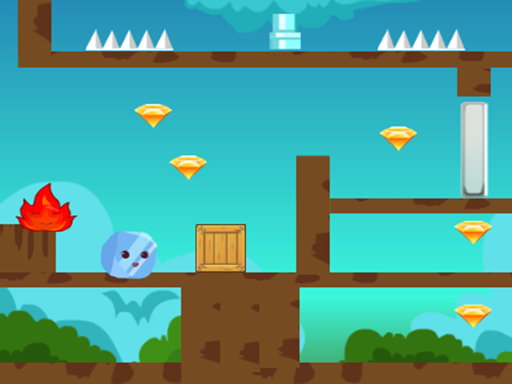
| Fireball And Waterball Adventure 3 | Co-op platformer | 2 | A D W, partner in game |
| 8 Ball Pool | Pool | See the game | See the game |
Touchpad games (click only)
A Chromebook touchpad is fine for these, and two people can share it by taking turns.
Master Chess Multiplayer
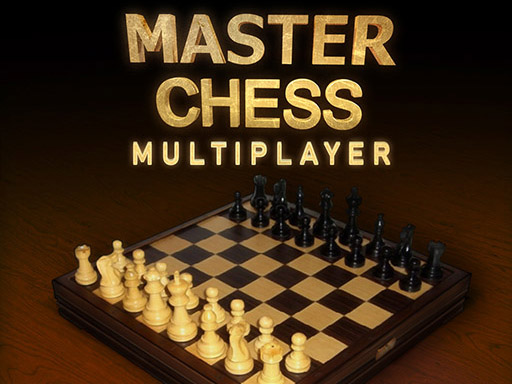
Standard chess on a wooden board. Press the screen icon, then choose player vs player for two people, or player vs computer at one, two or three stars. When you click a piece, the squares it can legally move to light up. We played the two-player mode: White sits at the bottom, Black at the top, and the board does not turn round, so Black reads it upside down, like a real board between two people. New to chess? Read how to play chess for beginners first.
Connect 4 two player
This version, Can Has Connect 4, is made for two people on one device, with no computer opponent. Red goes first. Click a column to drop a disc, and the first to line up four wins. Play again starts the next round at once. Connect 4 is a Hasbro trademark, and 2PlayerHub is independent and not affiliated with Hasbro. Tips are in how to win Connect 4.
Dots and Boxes 2 Player
Take turns drawing a line between two dots, and close a box to score it and go again. Pick Two Players or play the computer at Normal, Hard or Expert. Board sizes run from Small (4x4) to Large (8x8), or a custom size up to 20x20. In our test the turn passed to Player 2 as soon as Player 1 drew a line.
Minesweeper Duel
Classic Minesweeper turned into a duel. Choose Play together, and you take turns opening cells on one board. Each cell scores its number, an empty area scores 10, and opening a mine loses at once. You can set chess-style clocks. When we opened it, the game was in Chinese. The globe icon on the left changes the language.
Tic Tac Toe 2 Player
Ultimate Tic Tac Toe Multiplayer has 2 Players, CPU and online modes, and 3x3, 5x5 and 7x7 grids. The bigger grids are worth trying once every 3x3 game ends in a draw.
Chess Free - Échecs
A second chess board. Click a piece, and the tiles it can move to show in blue or green. The game does not explain its friend or computer options, so check the menu.
Keyboard games for two on one Chromebook
One player takes the left side of the keyboard and the other takes the right. Chromebook keyboards are laptop-size, so sit close.
Soccer Random
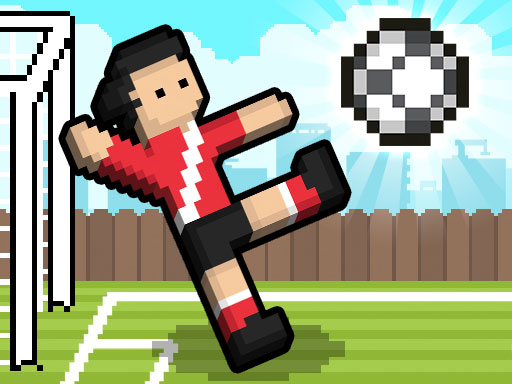
Two-a-side football with one key per team. The left team holds W and the right team holds the Up arrow, and one press makes both of your players jump and kick. We tested 2P: after the first goal, the pitch changed from grass in the evening to snow in daylight. According to the developer, five goals win.
House of Hazards
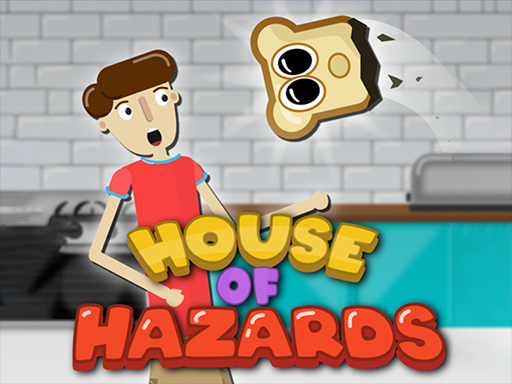
A party game in a house full of traps. Player 1 moves with A and D, jumps with W and fires or crouches with S. Player 2 uses J and L, I to jump and K. On the setup screen you press Add Player, and you can switch on computer players. We went through setup and the start of the tutorial. According to the developer, in each round one side does chores while the others set off hazards.
Fireball And Waterball Adventure 3
A co-op adventure for two brothers: Waterball freezes water into ice and Fireball burns wood. Player 1 moves with A and D and jumps with W. The listing does not give Player 2's keys, so check the first screen. Talk before you move, since water and wood need different brothers.
8 Ball Pool
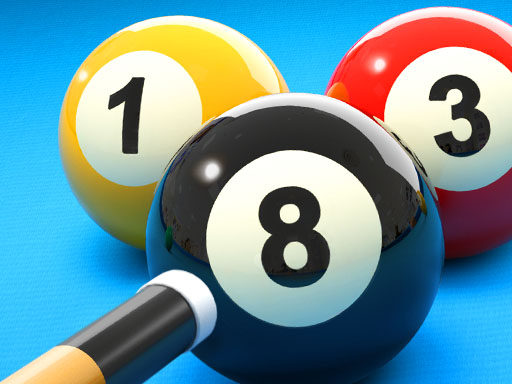
Pool with 1-vs-1 matches, tournaments of up to eight players and a practice arena. The description does not say whether two people can share one screen, so look at the mode menu when it loads. Rules for the real game are in how to play pool.
Chromebook tips
- These games load from the web, so you need an internet connection to play them.
- Press the full-screen key on the top row of the keyboard to give the game the whole screen. It helps on a small display.
- If a game feels slow, close other tabs first, or switch to a turn-based board game.
- On a school Chromebook, the school decides which sites open. If a page is blocked, play it at home instead. For ideas that need no screen at all, see games to play at school.
- Installed games, such as Steam titles, are a separate topic. Everything here opens in Chrome.
More games two people can play on one keyboard are in 2 player games on one keyboard.
FAQ
- What are good games to play on a Chromebook?
- Browser games that open in a Chrome tab. Master Chess Multiplayer, Connect 4 two player and Dots and Boxes 2 Player need only clicks, and Soccer Random and House of Hazards are good for two players on the keyboard.
- Can you play games on a Chromebook without downloading?
- Yes. Every game on this page runs in the Chrome browser, with no download.
- What games can I play on a Chromebook with friends?
- On one Chromebook, try Soccer Random (W against the Up arrow), House of Hazards, or take turns at chess, Connect 4 or Minesweeper Duel.
- Can I play these games offline on a Chromebook?
- No. They load from the web, so you need an internet connection.
- Can you play games on a school Chromebook?
- Your school decides which websites open on its Chromebooks. If a game is blocked, play it on your own device at home.
- Do these games work with the Chromebook touchpad?
- Yes for the board games: chess, Connect 4, tic tac toe, dots and boxes and Minesweeper Duel only need clicks.