2 Player Games for One Keyboard: Controls and Our Picks
Updated 2026-10-17
Sharing one keyboard is the oldest way to play a two-player game on a computer, and it still works very well. You don't need a second device, a controller or an account. You just need two sets of keys that are far enough apart. This page lists the games on 2PlayerHub that we played this way, with the exact keys each player uses. We tested the games ourselves, and the keys below are the ones the games show on their own screens or help pages.
Games where each player has one key
These are the easiest to start with, because each player only needs one finger.
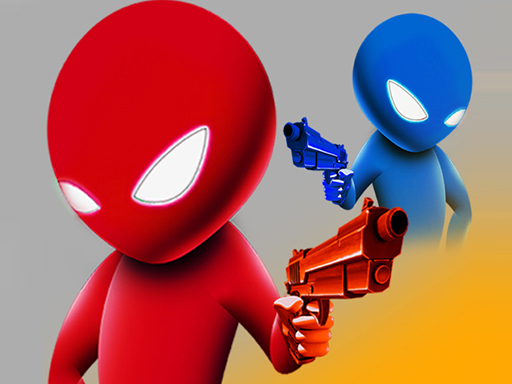
- Drunken Duel: two wobbly stickmen with pistols. The blue player presses W and the orange player presses the Up arrow. Timing is everything.
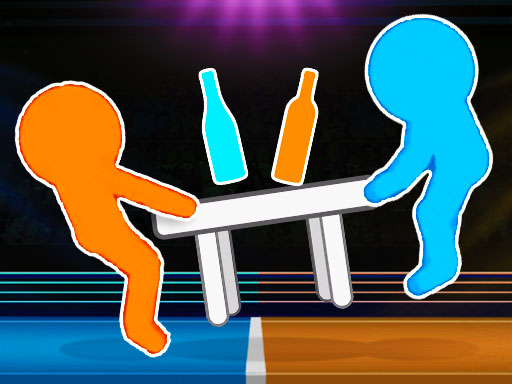
- Drunken Table Wars: a tug-of-war over a table in a boxing ring. Again, the orange player uses W and the blue player uses the Up arrow. You mash the key to pull the table to your side.
Because each game needs only one key per player, you can even sit side by side with one hand each.
Games with simple left-and-right keys
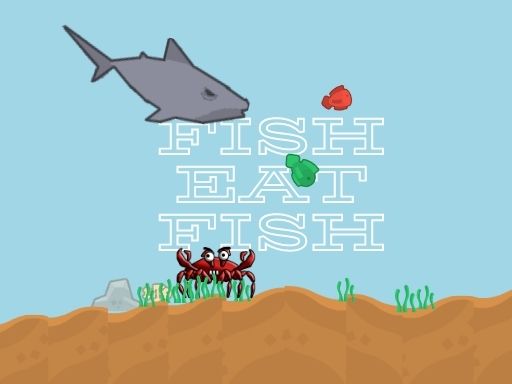
- Fish Eat Fish 2 Player: two fish grow by eating food. Player 1 uses Q and E, and Player 2 uses Y and I. The keys are far apart, so your hands don't bump.
Sports games with movement and action keys
These need a few more keys per player, so they take a minute to learn.
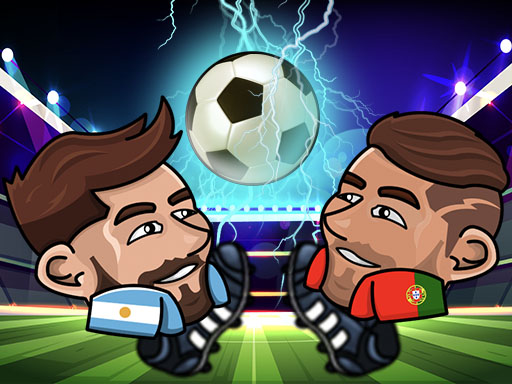
- Head Soccer 2022: one-on-one football. Player 1 moves and jumps with W A S D and shoots with F and G. Player 2 moves and jumps with the arrow keys and shoots with K and L.
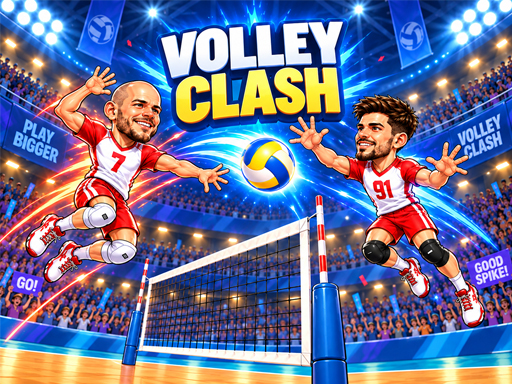
- Volley Clash: one-on-one volleyball, first to 11 and win by 2. Player 1 moves with A and D, jumps with W and hits with Space. Player 2 moves with the left and right arrows, jumps with the up arrow and attacks with Enter.
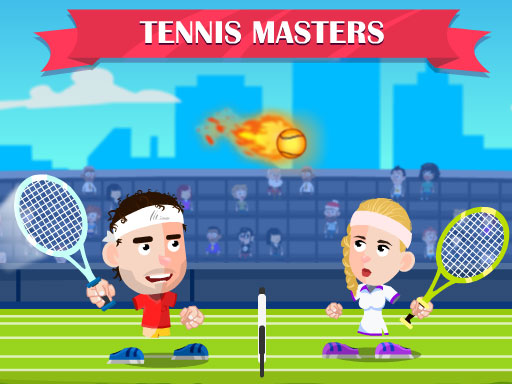
- Tennis Masters: cartoon tennis. Player 1 uses W, A and D to move, V to hit and B to smash. Player 2 uses the arrow keys to move, L to hit and K to smash. The game shows these on the screen during the match.
A tip that surprised us: hold the keys down
In several of these games, a quick tap does almost nothing. The player only runs while the key is held down. If your character barely moves, press and hold instead of tapping. Games with one key per player, like Drunken Duel, work the other way, because there you press the key again and again.
Tips for sharing a keyboard
- Sit with your hands well apart. The key pairs in the lists above are on opposite sides of the keyboard on purpose.
- Watch out for "ghosting". Some keyboards, especially on laptops, can only register a few keys pressed at the same time. If one player's key stops working when the other player is pressing several keys, that is usually the reason. Switching which player uses which side, or plugging in an external keyboard, often fixes it.
- Click the game first. Click inside the game window before you start, so the keys go to the game and not to something else on the page.
- Turn off the ad sound if you want to hear each other. Some games play a short ad before the match starts, and you can skip it after a few seconds.
- Make it a match. Play best of five or best of seven. Many of these games are only a minute or two long.
Games that are better on a touchscreen
Not every two-player game suits a keyboard. In Air Hockey - 2 Players, each player drags their own paddle with a finger, so it works best on a tablet. With a single mouse, only one paddle can move at a time.
Don't have a keyboard-friendly game in mind?
If you would rather play a turn-based game on one screen, with no fast reflexes needed, try a board game instead. Our list of the best board games for 2 players and our guides to backgammon and Reversi are a good place to start.
FAQ
- Can two people play on one keyboard?
- Yes. Many browser games give each player their own keys, for example W, A, S and D for one player and the arrow keys for the other.
- What keys does each player use in Head Soccer 2022?
- Player 1 moves with W A S D and shoots with F or G. Player 2 moves with the arrow keys and shoots with K or L.
- Why doesn't my player move when I tap the key?
- In some games the player only moves while the key is held down. Press and hold the key instead of tapping it.
- Why does one player's key stop working when both play?
- Some keyboards can only register a limited number of keys pressed at once, which is called ghosting. Try different keys, or use an external keyboard.
- Which games only need one key per player?
- Drunken Duel and Drunken Table Wars. The blue or orange stickman uses the W key, and the other player uses the Up arrow.