Play Chess Online Free: No Sign-Up, With a Friend or the Computer
Updated 2026-11-16
You can play chess online free in a browser tab. No account, no download, no email. Open a board, pick who you are playing, and move. This page shows which chess games on 2PlayerHub to open, what each one does, and how to get a good first game going.
The quickest way to start
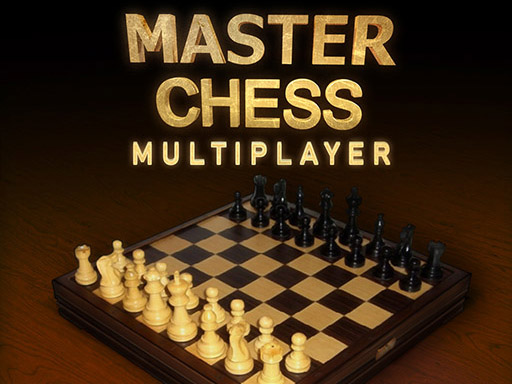
Open Master Chess Multiplayer. The title screen has two buttons: the screen icon starts a game on this device, and the globe opens the online mode. On this device you choose player vs player or player vs computer.
We played the two-player mode. White sits at the bottom, Black at the top, and the files and ranks (A to H, 1 to 8) are printed around the edge. When you click a piece, every square it can legally move to lights up. That makes it a friendly board if you are still learning how the knight jumps.
Two things to know before you sit down. The board does not turn around after each move, so the Black player reads it upside down, as at a real table. And each side has a clock plus a star score that starts at 5,000 and falls while that player is thinking. The game does not say what the score is for, but it shows who is taking their time.
Your options
| Game | Play a friend on one screen | Play the computer | Good for |
|---|---|---|---|
| Master Chess Multiplayer | Yes | Yes, three levels | A normal full game with highlighted legal moves |
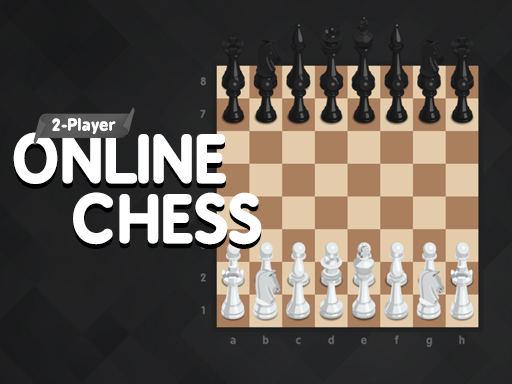
| 2 Player Online Chess | Yes, in 2 player mode | Yes, solo mode | A simple board with few menus |
| Chess Free - Échecs | Check the menu | Check the menu | Another look and feel: click a piece, then click a blue or green tile |
If you want to play a friend who is in another place, see online games for two players on different computers. We only tested the same-screen modes, so we do not promise how the online buttons behave.
Before your first move
If you have not played in a while, spend two minutes on how to play chess for beginners. It covers how each piece moves, check, checkmate and the special moves.
A quick refresher:
- White moves first. Players alternate, one move each.
- The goal is checkmate: attack the enemy king so it has no safe square.
- Pawns move forward, capture diagonally. Bishops go diagonally, rooks in straight lines, the queen both, the knight in an L. The king takes one step.
- A game with no legal move for the side to play and no check is a stalemate, which is a draw.
A plan for the first ten moves
Fancy opening names are not needed yet. These habits win beginner games:
- Take the centre with a pawn on e4 or d4.
- Bring out knights and bishops before moving the queen.
- Castle early so your king is behind pawns and your rook is active.
- Before every move, ask what your opponent can capture after it. Most lost pieces at this level are simply left hanging.
The chess openings for beginners guide has three simple setups to copy.
Tips for playing on one screen
- Agree on touch-move or take-backs before you start. Friends argue about this more than about the game.
- Take turns being White if you play several games.
- If the board feels small on a phone, turn the phone sideways.
- Against the computer, begin on the lowest level. Win a few games, then move up one star at a time.
If you want something different
Games like chess lists other strategy games with the same feel. Chess vs checkers helps if you cannot decide which to teach someone first.
FAQ
- Can I play chess online for free without signing up?
- Yes. The chess games on 2PlayerHub open in the browser with no account and no download.
- Can I play chess with a friend on the same computer?
- Yes. Master Chess Multiplayer and 2 Player Online Chess both have a two-player mode on one screen.
- Can I play chess against the computer for free?
- Yes. Master Chess Multiplayer has a player vs computer mode with three difficulty levels.
- Does the board turn around for the second player?
- Not in Master Chess Multiplayer. White stays at the bottom, so Black reads the board from the other side.
- Does the game show where a piece can move?
- In Master Chess Multiplayer, clicking a piece lights up the squares it can legally move to.
- Does it work on a phone?
- Most of these boards use clicks or taps, so they work on a phone. A tablet or computer gives you a bigger board.