Play Chess With the Computer: Free, and How to Win Your First Games
Updated 2026-11-17
You can play chess with the computer for free, right in the browser, with no account. It is the best way to practice when nobody is around to play. This page shows where to start, which level to pick and what to do on your first moves so the computer does not run over you.
Where to play
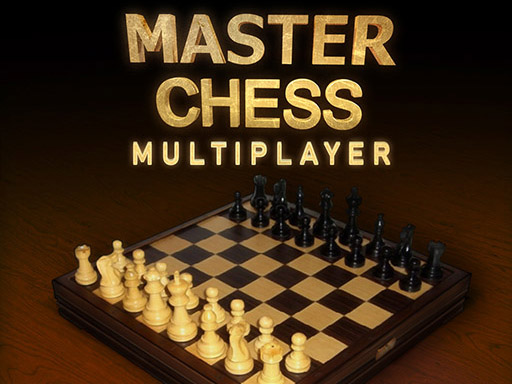
Master Chess Multiplayer has a player vs computer mode. After you press the screen-icon button on the title screen, choose it and then pick a level. The computer has three difficulty levels, shown as one, two and three stars. When you click a piece, the squares it can legally move to light up, which helps if you are not sure how a piece moves.
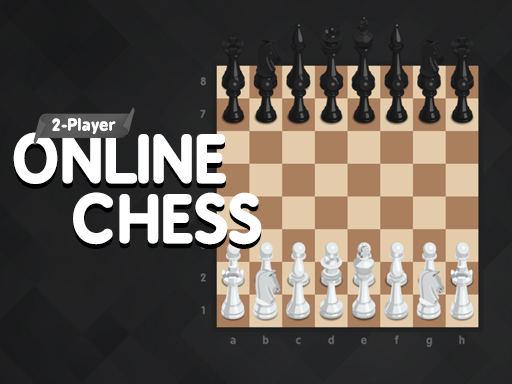
2 Player Online Chess also has a solo mode against the computer, and a simple board with few menus.
Need a human opponent instead? Read play chess online free.
Which level to pick
| Level | Pick it if |
|---|---|
| One star | You are new, or you have not played for months |
| Two stars | You win at one star most games |
| Three stars | You can win at two stars and want to be pushed |
Move up only after you win three in a row. If you lose at your level, drop down and find out why before you go up again.
How to beat the computer at the lower levels
A lower-level computer does not plan far ahead. It makes mistakes you can use.
- Do not hang pieces. Before each move, ask whether the square you move to can be captured, and whether the piece you leave behind is defended. Most games at this level are decided by free pieces.
- Take what it gives you. If the computer leaves a piece undefended, take it, then check what the capture opens up for it.
- Trade when you are ahead. One piece up? Swap queens and rooks. A simple endgame is easier to win.
- Aim at the king, not just at pieces. Learn two basic checkmates so you can finish games rather than just win material. A queen and king against a bare king mates quickly. Practice it, and the same ideas carry into longer games.
- Watch for forks. A knight that attacks two pieces at once wins material. Look for it, and check that the computer cannot do it to you.
Your first moves
Play simple, sound moves:
- Open with the e4 or d4 pawn to claim the centre.
- Bring out your knights, then your bishops.
- Castle before move ten.
- Keep the queen at home until your other pieces are out.
Chess openings for beginners gives you three setups to copy, and how to play chess for beginners covers the rules in full.
Make practice count
- After a loss, go back over the last few moves and find the one that cost you a piece.
- Play at a steady pace and think about the reply before each move.
- Do not take moves back. Play as you would at a real board, so the habits carry over.
When the computer gets too easy
Ask a friend to play on the same screen. The same game has a player vs player mode, and humans make less predictable mistakes than a computer at one star. If you want other games with a similar feel, try games like chess.
FAQ
- Can I play chess against the computer for free?
- Yes. Master Chess Multiplayer and 2 Player Online Chess both have a mode against the computer, free in the browser.
- How many difficulty levels does the computer have?
- Master Chess Multiplayer has three, shown as one, two and three stars.
- Does it show me the legal moves?
- In Master Chess Multiplayer, yes. Clicking a piece lights up the squares it can move to.
- Do I need to sign up?
- No. Open the game and play.
- What should a beginner do first against the computer?
- Take the centre with a pawn, bring out your knights and bishops, castle early, and check every move for undefended pieces.
- How do I get better at chess alone?
- Play at one star until you win most games, review your losses, and learn a few simple openings and checkmates.