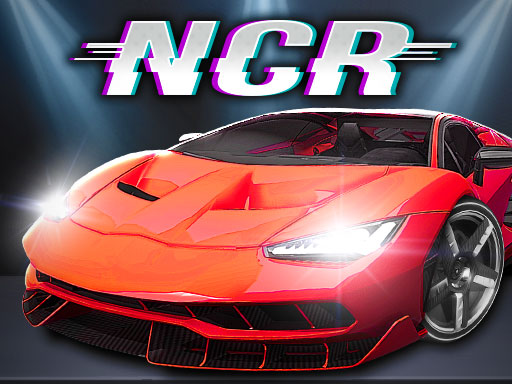
Night City Racing
2 player game · Car
 Car Battle
 Hyper Cars Ramp Crash
 Shape Transform Race
 Steal Car Duel
 GT Cars Mega Ramps
 Desert City Stunt
 City Car Stunt 3
 Circular Racer
 Car Madness 3D
 Fall Cars : Hexagon
 Monster Race 3D
 City Car Stunt 4
 Cyber Cars Punk Racing
 Car Colour Paint3D
 Flying Cars Era
 Retro Car Xtreme
 2D Car Racing
 Africa Jeep Race
 Miami Car Stunt
 Miami Car Racing
 Speed Racing
 Ultimate Flying Car
 Kids Shoping
 Monster Truck 2 Players
 Monster Cars: Ultimate Simulator
 Grand Extreme Racing
 LamborghiniParking3
 City Truck Driver
Night City Racing is a car driving simulator with ten super-sport cars, and it can be played alone or with a friend in 2 player mode.
In single player the instructions list W A S D or the arrow keys for driving, Shift for NOS, R to reset the car's position, T to look back and C to change the camera view. The two player instructions show Player 1 on the arrow keys with M for NOS. The rest of the second-player layout is on the in-game instruction screen, so read it before you start so you do not both reach for the same keys.
It suits friends who like driving games more than arcade racers. For another two-player driving game, try Mini Rally Racing.
How to play
How to play
- Choose single player or 2 player mode.
- Pick one of the ten cars. They can be customized for engine and looks.
- In two player mode, Player 1 drives with the arrow keys and uses M for NOS.
- Check the in-game instructions for the second player's keys, then start driving.
- Use the reset key if your car gets stuck.
Tips
- Agree on who takes which side of the keyboard before the race starts.
- Press R to put the car back on track rather than fighting to turn around.
- Try the camera change key if you cannot see the road ahead.
Frequently asked questions
- Can two people play Night City Racing?
- Yes. The description says it has both a 1 player and a 2 player game mode.
- How many cars are there?
- The description lists 10 super-sport cars.
- Can the cars be customized?
- Yes, on both the engine side and the visual side, according to the description.
More Car games
See all → Hexa Cars
 Pixel Kart
 Egg Hill Climb
 Extreme Blur Race
 Offroad Masters Challenge
 Stickman Huggy Escape
 Endless Car Football Game
 Extreme Toy Race
 Snake and Ladders Multiplayer
 Pong ball.io
 Challenge the Runners
 Basket Random
 Guess Who Multiplayer
 Would you Rather?
 Drunken Duel
 Mega Tank Wars Arena
 Basketball Legends
 Eat Blobs Simulator
 Lof Snakes and Ladders
 Neon Slimes
 2 Player Games 1v1 Battle
 Escape School Duel
 Ludo Wars
 Math Duel - 2 Players
 Stickman Fighting 2 Player
 Viking Tomahawk
 granny chapter2
 Online Tic Tac Toe
 Electro.io
 2 Player Mini Challenge
 Flow Free: Warps
 Basketball AllStars
 DONT SPLASH
 Collect Brainrot Arena
 Hockey Stars
 Obby Highest Jump Ever
 Crumple Rumble
 Sniper for Brainrot
 Pongo Master
 Bob Save Stuart
 Little Yellowman Jumping
 Lucky Box - 2 Player
 Pumpking vs Mummy
 2 Player Santa Battle
 Can Has Connect 4
 Red VS Blue
 Summer Shell
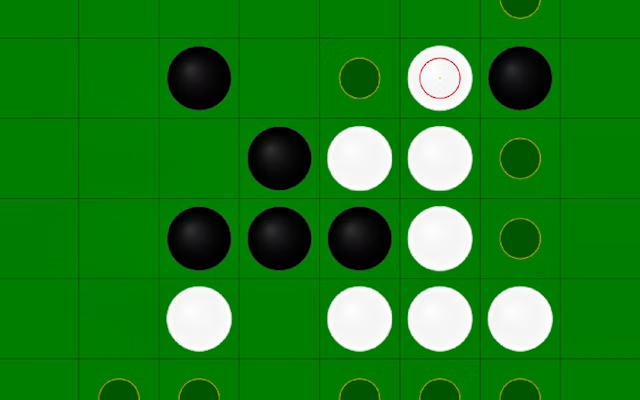 Othello-Reversi
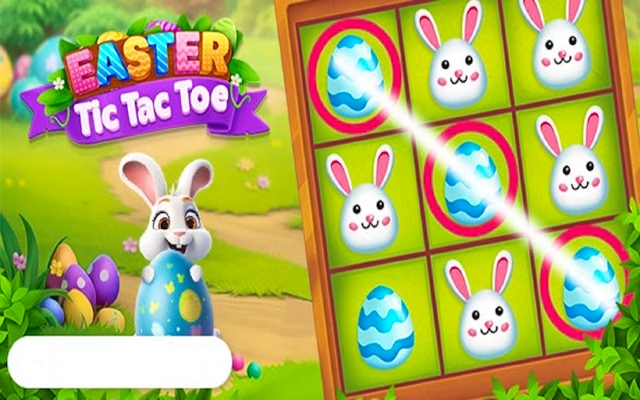 Easter Tic Tac Toe
 Simple Plus Classic Pong
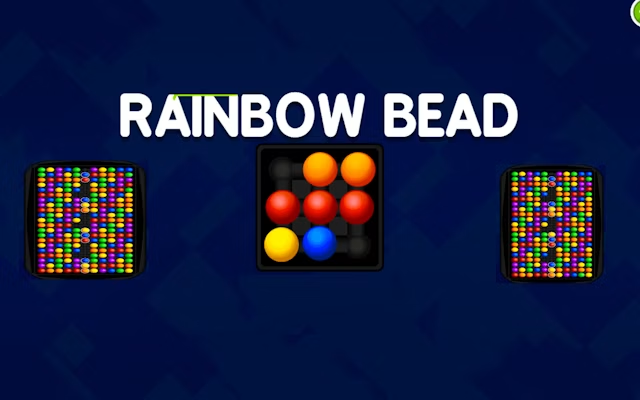 Rainbow Bead
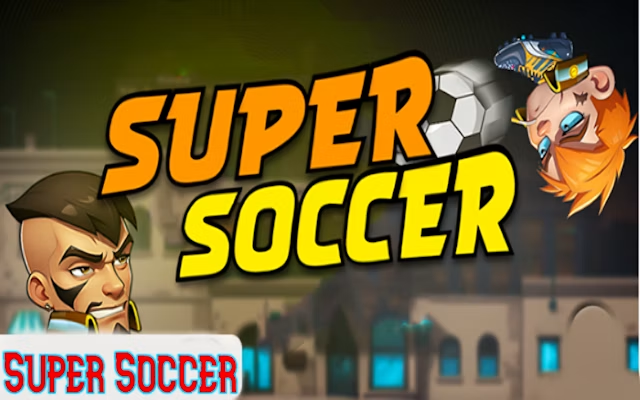 Super Soccer