Magic Dash
2 player game · Arcade
 Snake and Ladders Multiplayer
 Pong ball.io
 Lof Snakes and Ladders
 Electro.io
 2 Player Mini Challenge
 Collect Brainrot Arena
 Obby Highest Jump Ever
 Crumple Rumble
 Pongo Master
 Bob Save Stuart
 Little Yellowman Jumping
 Lucky Box - 2 Player
 Pumpking vs Mummy
 Red VS Blue
 Summer Shell
 Othello-Reversi
 Simple Plus Classic Pong
 Rainbow Bead
 Ugolki - Halma
 Carrom Clash - Neon Edition
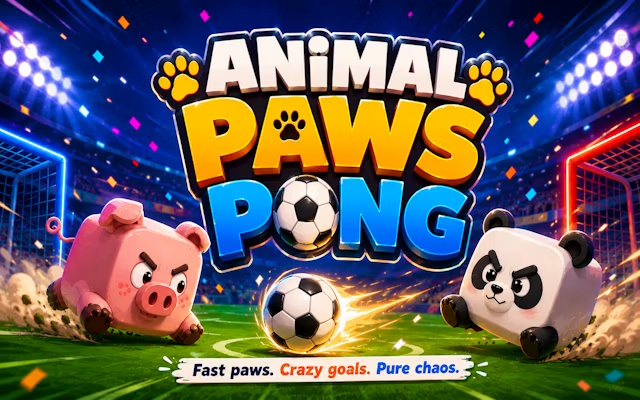 Animal Paws Pong
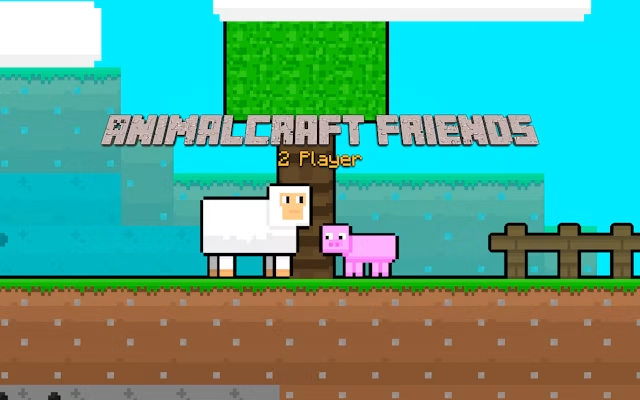 AnimalCraft Friends 2 Player
 Footy Frenzy
 Ghost Happy Halloween TwoPlayer
 Happy Brothers 2 Player
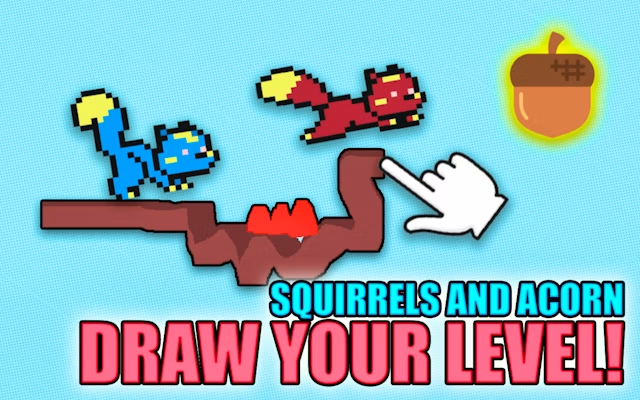 Squirrels and Acorn - Draw your level!
 Ping Pong Pulse
 Gladiator Box
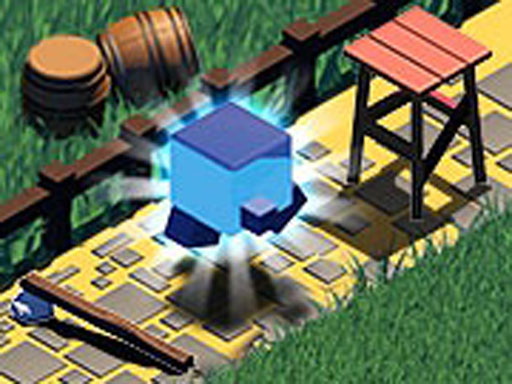
Distance is the shared challenge in Magic Dash. The description introduces an isometric cube game in which you race a friend and try to keep going as long as possible. It gives the setting a fantasy theme, but leaves the actual course details to the running game.
That sparse outline should shape expectations. There is no supplied list of obstacles, power-ups, unlocks or scoring bonuses, and the text does not identify a fixed finish line. The reliable objective is to outlast or travel farther than your friend, using the course you see rather than a guessed level progression.
Use the opening moments to learn how the cube responds before worrying about a large distance. When comparing attempts with a friend, pay attention to the moment you lose control and try to improve that specific decision on the next run. If you want another obstacle-focused reflex challenge, explore Geometry Vibes 3D.
Magic Dash's instruction field contains no key bindings. Its description does confirm touch controls on touchscreen devices, so follow the on-screen touch prompts there; for keyboard play, controls are shown in-game rather than specified by the source.
How to play
How to play
- Race an isometric cube against a friend and see how far you can go.
- Magic Dash's instruction field contains no key bindings.
- Its description does confirm touch controls on touchscreen devices, so follow the on-screen touch prompts there; for keyboard play, controls are shown in-game rather than specified by the source.
Tips
- Use the opening moments to learn how the cube responds before worrying about a large distance.
- When comparing attempts with a friend, pay attention to the moment you lose control and try to improve that specific decision on the next run.
Frequently asked questions
- What is the aim of Magic Dash?
- Race an isometric cube against a friend and see how far you can go.
- How do you control Magic Dash?
- Magic Dash's instruction field contains no key bindings. Its description does confirm touch controls on touchscreen devices, so follow the on-screen touch prompts there; for keyboard play, controls are shown in-game rather than specified by the source.
- Does Magic Dash support touchscreens?
- Yes. Touchscreen play is mentioned in the description, although the instruction field does not supply exact controls.
More Arcade games
See all → RedPool Legends - 2 Player
 Dots and Boxes Deluxe
 Riddle Cubes
 Dots & Boxes
 Orcborn: The Great Flight
 NO---3 Speed
 Red and Green 4
 Pixel Time Summer
 Challenge the Runners
 Basket Random
 Car Battle
 Guess Who Multiplayer
 Would you Rather?
 Drunken Duel
 Mega Tank Wars Arena
 Basketball Legends
 Eat Blobs Simulator
 Neon Slimes
 2 Player Games 1v1 Battle
 Escape School Duel
 Ludo Wars
 Math Duel - 2 Players
 Stickman Fighting 2 Player
 Viking Tomahawk
 granny chapter2
 Online Tic Tac Toe
 Flow Free: Warps
 Basketball AllStars
 DONT SPLASH
 Hockey Stars
 Sniper for Brainrot
 2 Player Santa Battle
 Can Has Connect 4
 Easter Tic Tac Toe
 Super Soccer
 Try To Count The Boxes Brain Training